Get the official WinSpirit Casino app on your device in under 2 minutes. Follow our simple guide to unlock exclusive bonuses, faster loading times, and a seamless mobile gaming experience.
The WinSpirit App is a Progressive Web App (PWA), meaning it bypasses the restrictions of traditional app stores. You get a secure, full-featured casino app directly from the source. No Apple ID or Google Play account required.
Launch the Safari browser on your iPhone or iPad and go to wins-spirit.app.
Tap the Share icon (square with an arrow) located at the bottom center of the screen.

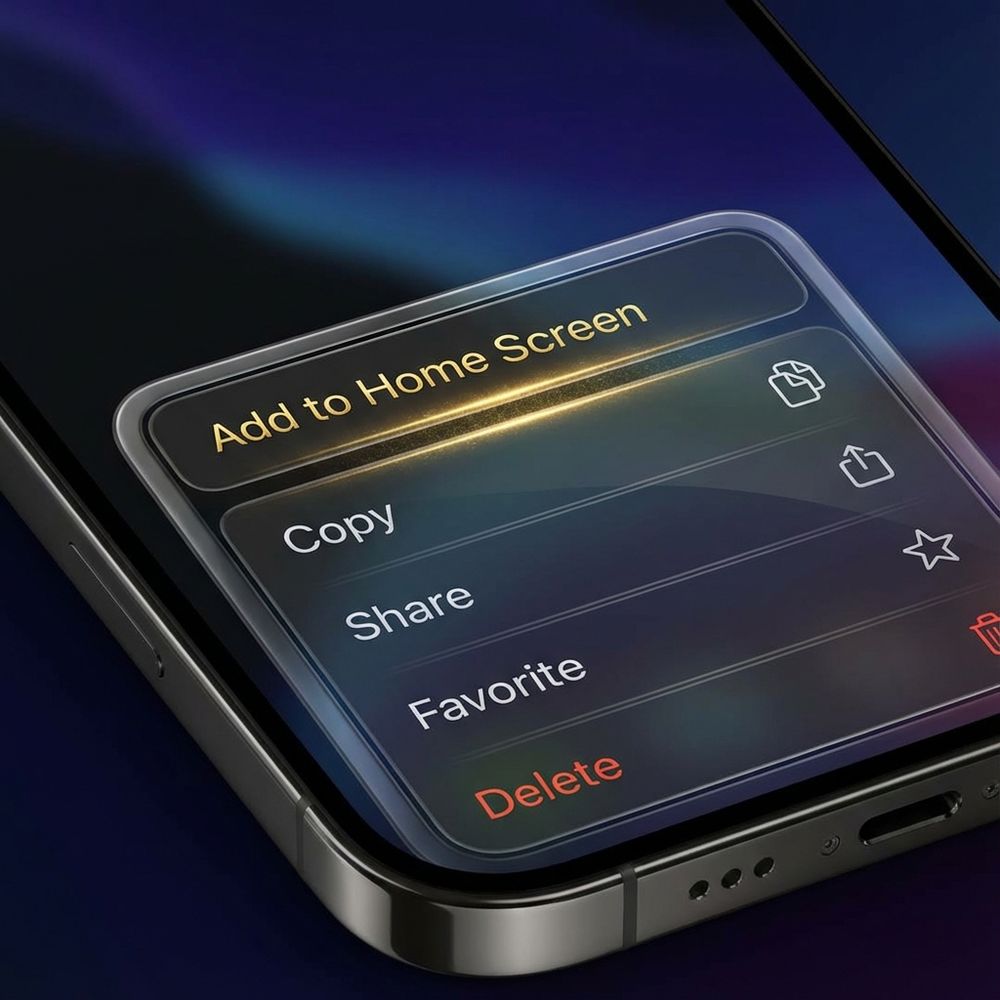
Scroll down the menu options and tap "Add to Home Screen".
Tap "Add" in the top right corner. You can rename the app if you wish.
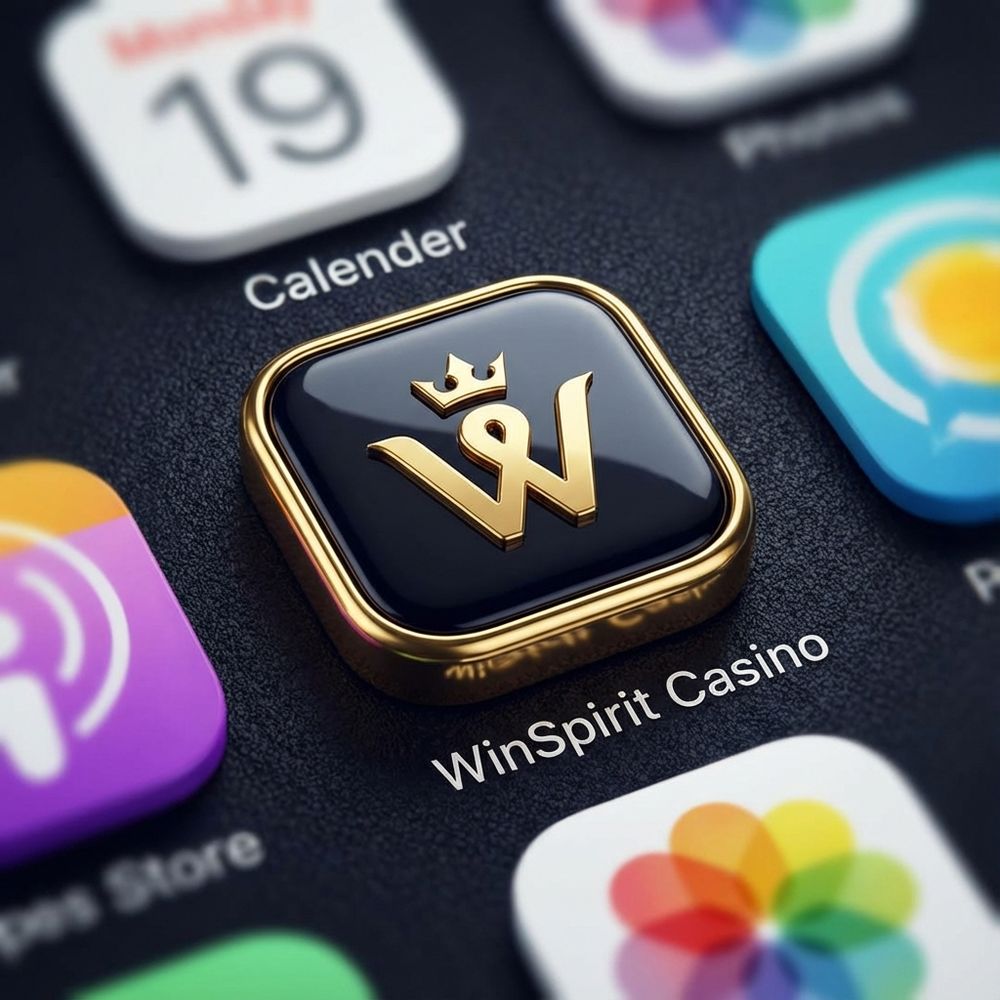
The WinSpirit icon will appear on your home screen. Tap it to launch and claim your bonus!
Launch Google Chrome on your Android device and visit wins-spirit.app.

Tap the three dots menu icon located in the top right corner of the browser.

Look for "Install App" or "Add to Home Screen" in the menu list.
A prompt will appear asking for confirmation. Tap "Install" to proceed.
Installation is instant. Find the WinSpirit icon in your app drawer and tap to play.
Reading this on your desktop? The easiest way to get the app is to scan this QR code with your mobile camera. It will take you directly to the secure download page.

| OS Version | iOS 12.0 or later |
| Device | iPhone 7 or newer |
| Storage | 50 MB free space |
| Browser | Safari |
| OS Version | Android 8.0 or later |
| RAM | 2 GB minimum |
| Storage | 45 MB free space |
| Browser | Chrome, Firefox, Opera |
This usually happens if you are not using Safari. Please ensure you open wins-spirit.app in the Safari browser, as other browsers like Chrome on iOS do not support this feature.
If the automatic prompt doesn't appear, tap the three dots menu in Chrome and look for "Add to Home Screen". This performs the same function.
The WinSpirit App is very lightweight, requiring less than 50MB of storage space. It relies on cloud technology to load games, saving your device's memory.
Yes. Since it is a PWA, it runs within the secure sandbox of your browser and does not require invasive permissions like access to your contacts or messages.
Simply long-press the app icon on your home screen and select "Remove App" or "Uninstall", just like you would with any other application.
Once you've installed the app, log in to claim your 20 Free Spins welcome gift.